
Back to help center
Privacy and permissions
Understand the privacy and permission model
Learn why JSON Lens uses explicit user actions and avoids broad browser permissions.
Updated2026-05-30
LevelBeginner
Read4 min
1Step 1
Start from an explicit action
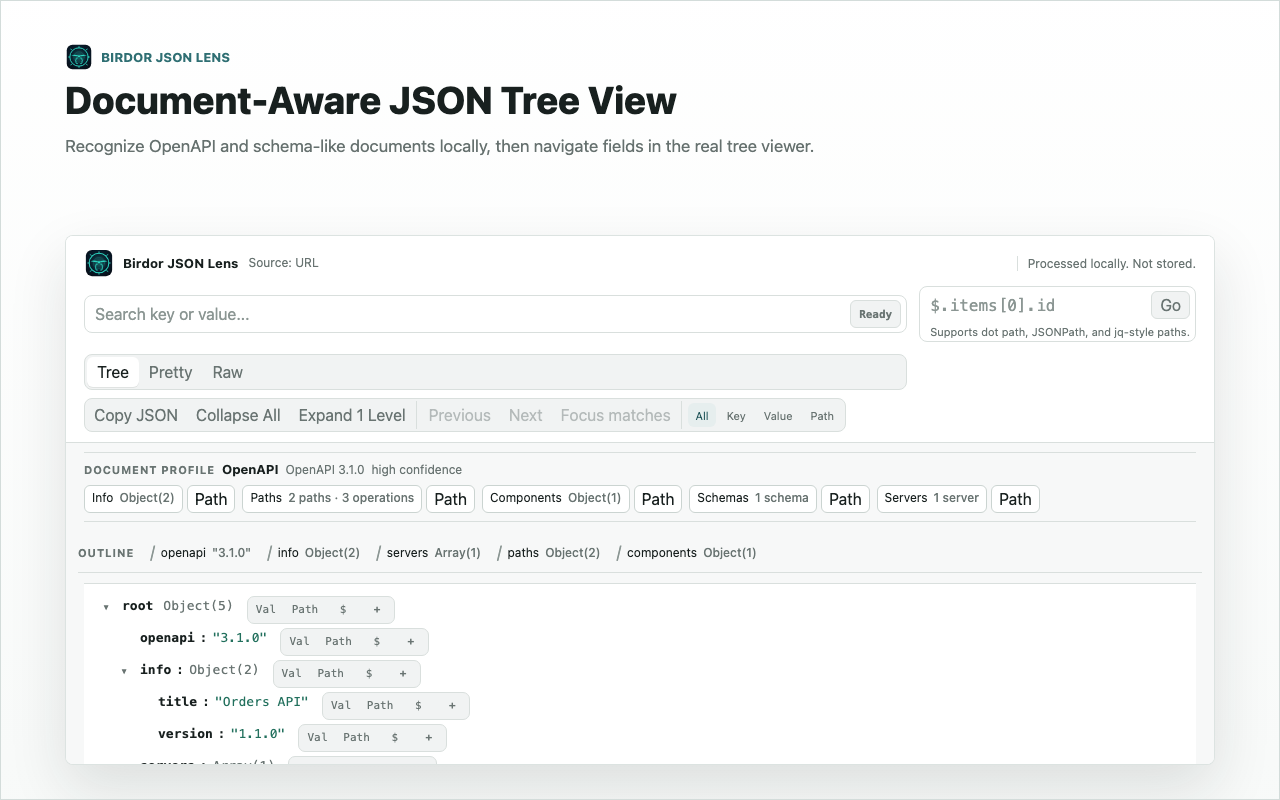
JSON Lens begins from a popup click, selected-text action, pasted payload, or local file. It does not watch network traffic in the background.
2Step 2
Know what the requested permissions do
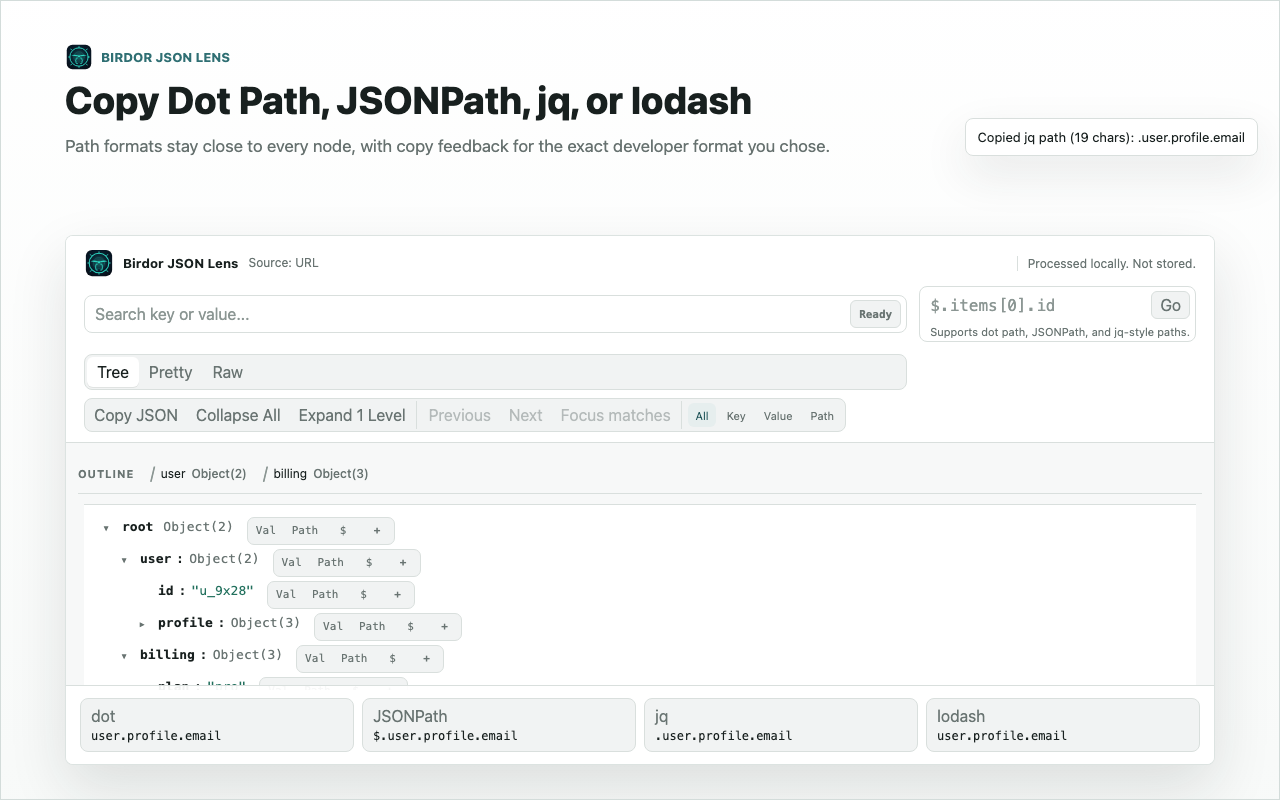
storage saves preferences, contextMenus supports selected text actions, and activeTab plus scripting render the current page only after you click.
3Step 3
Check what is deliberately not requested
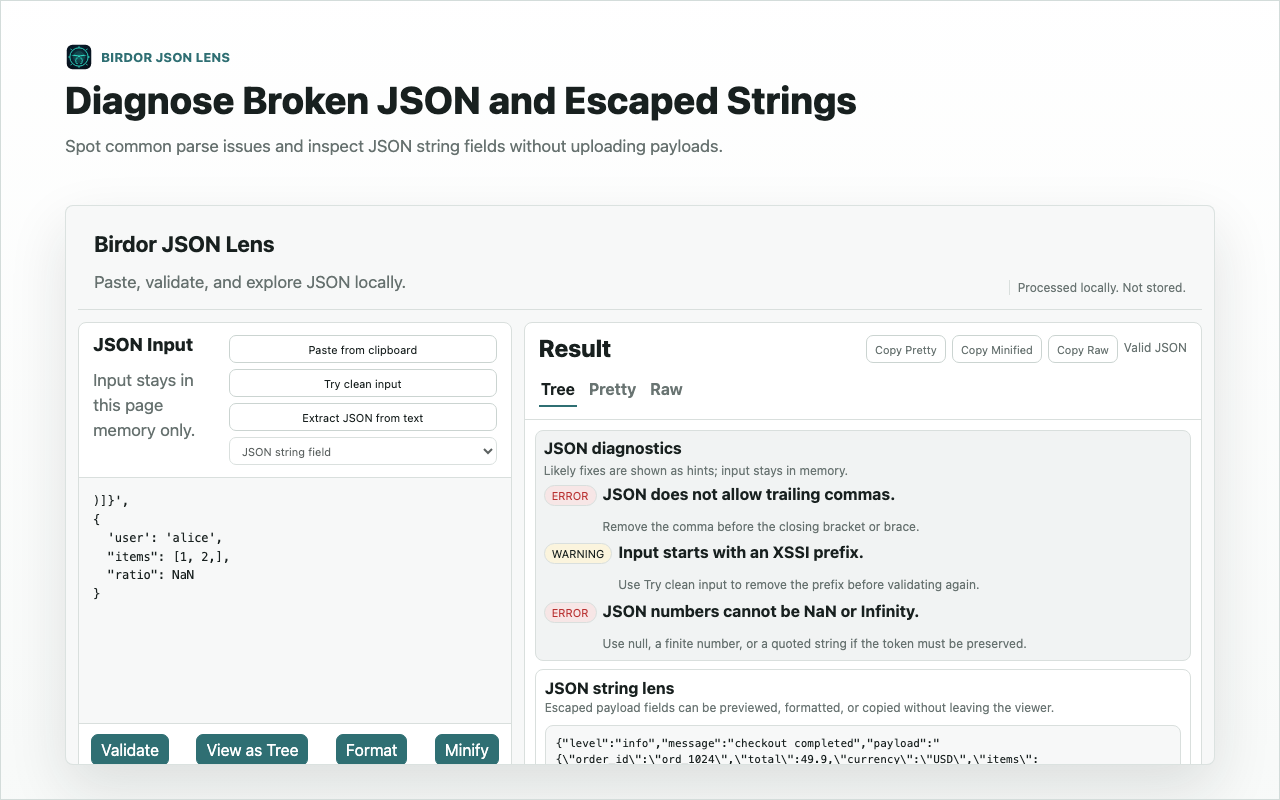
The extension does not request webRequest, cookies, history, tabs, debugger, or persistent host access such as all_urls.
Related guides
Still need help?
Contact Birdor support or submit a ticket draft with the workflow, browser, and sanitized details we need to reproduce the issue.
Email support@birdor.com