
Back to help center
Getting started
Open JSON from the current browser tab
Render a raw JSON response in the same tab after an explicit popup action.
Updated2026-05-30
LevelBeginner
Read4 min
1Step 1
Open a tab that already contains JSON
Navigate to an API response, manifest, config file, or any page where the tab body is raw JSON. JSON Lens does not monitor requests in the background.
2Step 2
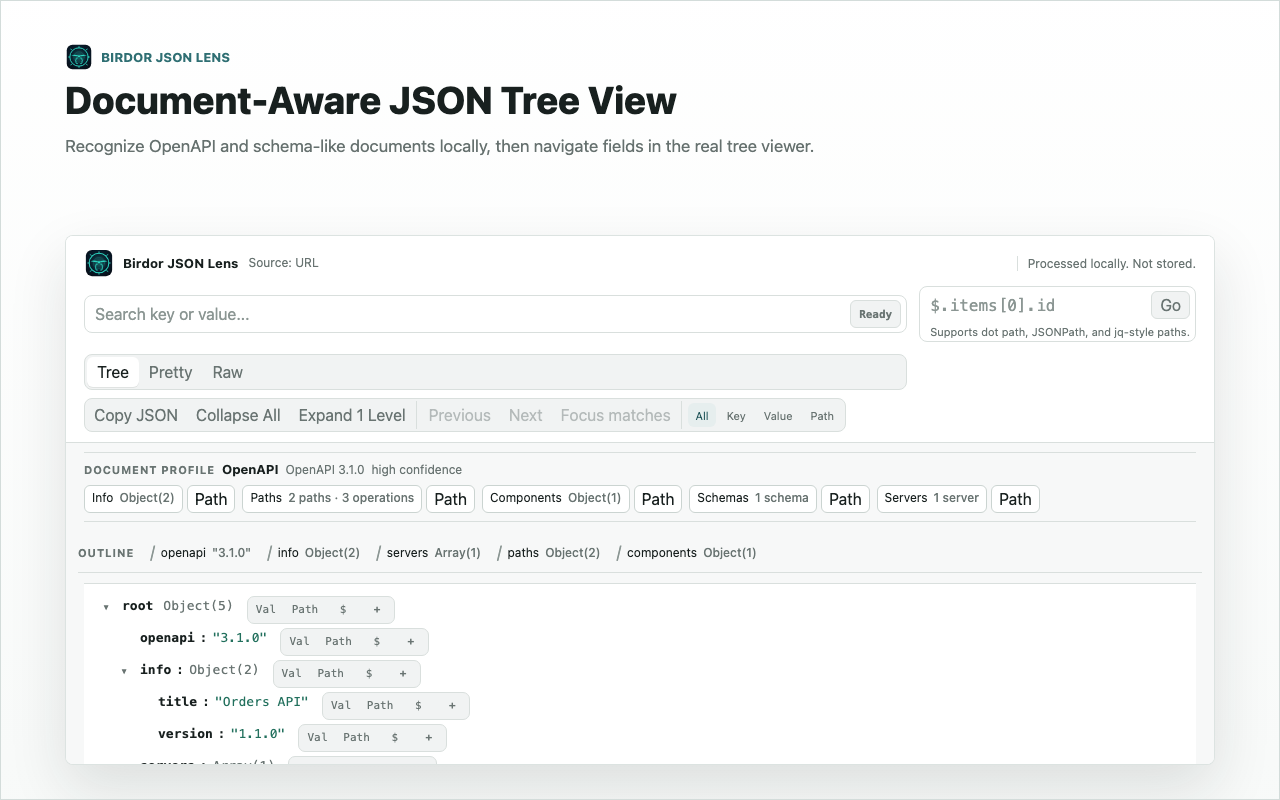
Click the extension and render the current page
Use the popup action to inject the packaged local renderer into the active tab. The permission is temporary and tied to this click.
3Step 3
Search, expand, and copy the path you need
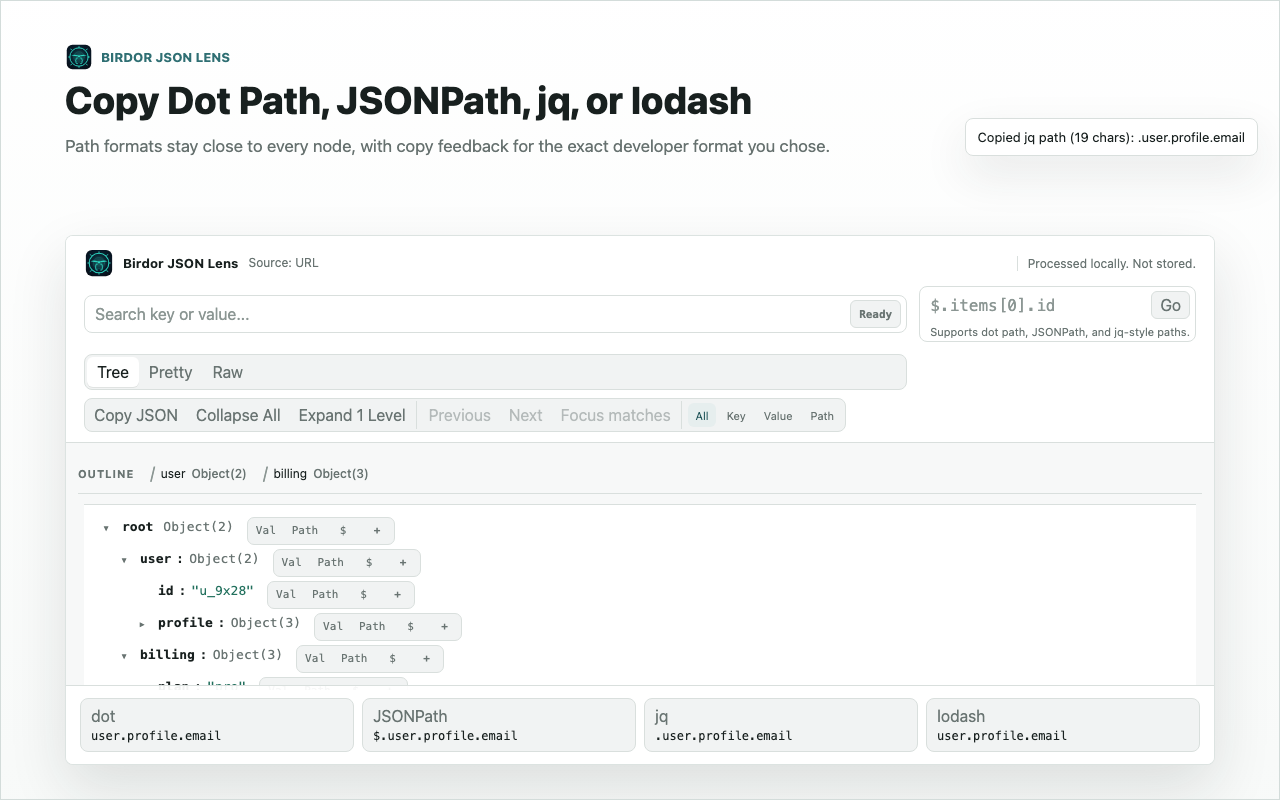
Use the tree search and row actions to focus a field, then copy the dot path, JSONPath, jq path, lodash path, key, value, or subtree.
Related guides
Still need help?
Contact Birdor support or submit a ticket draft with the workflow, browser, and sanitized details we need to reproduce the issue.
Email support@birdor.com